Here are the changes in Wave Link 1.4.1.
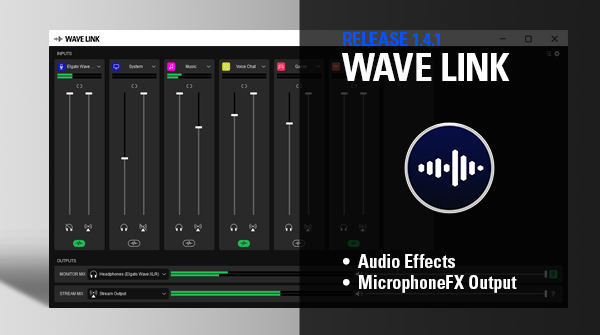
You can download Elgato Wave link 1.4.1 by clicking on the link below.
macOS
What's New in Wave Link 1.4.1?
Our Biggest Update Yet
Audio effects are here! Now you can tweak, tune, and completely change your sound with AU plugins. You knew this was coming, didn't you? ;-)
🆕 Audio Effects
Equip channels with third-party AU plugins like EQ, compression, or reverb. There are literally thousands available online.

This makes Wave Link the ultimate digital mixer
- With support for AU-based Audio Effects – equalizers, compressors, noise gates, filters, vocoders, etc. – the scope to customize your sound is pretty much endless.
- Effects can be applied to any input channel(s) – not just your microphone channel. Keep a friend's voice chat in check with a compressor, or use an EQ to boost the bass for a music channel.
- Within each channel, you can apply the effect(s) to your stream mix and/or monitor mix, or completely disable them.
- Chain effects together to create incredible sound stages. You can add, rename, and rearrange up to ten effects per channel!
Get the Wave Link plugin for Stream Deck here, and toggle audio effects with a press of a key.

Learn more about using audio effects in Wave Link here.
🆕 MicrophoneFX Output
In addition to the stream and monitor mix there's a new output mix, aptly called MicrophoneFX. This output contains only microphone audio and applied effects. Which means you can select Wave Link MicrophoneFX in apps like Zoom, and enjoy limitless sound sorcery throughout your digital space.

Learn how to use the MicrophoneFX Output here.
Other changes
- You can now use the tab key to get to Wave Link quickly