Release Date: 6 October2026
💻 Download Links
Windows
What’s new in Elgato Studio 2.0 Beta 4?
📷 Camera Support
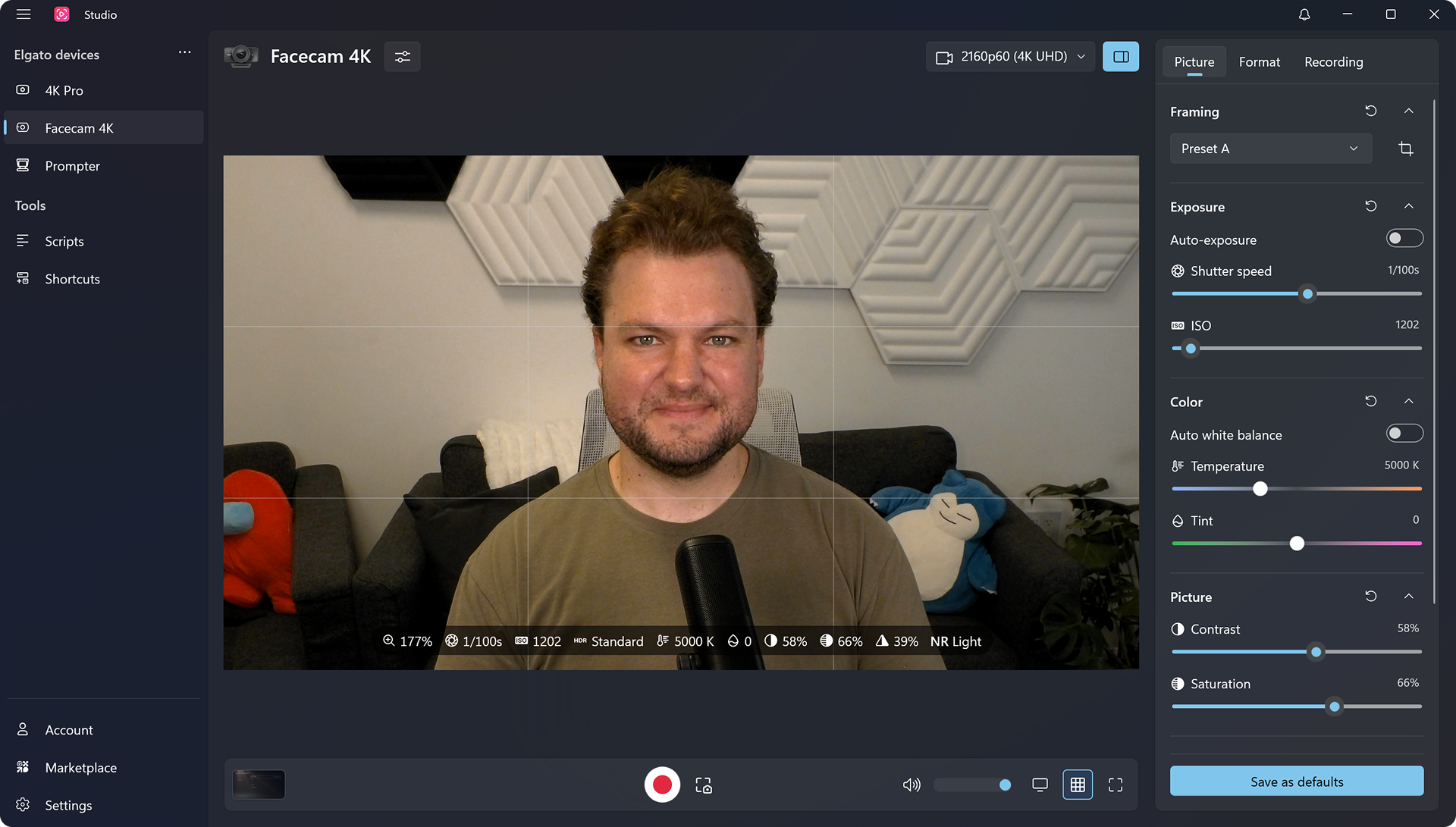
Elgato Studio now controls your camera. Set exposure, focus, and white balance by hand or leave them on auto, and lock exposure or white balance once the picture looks right. Zoom, pan, and tilt to frame your shot, then save it to one of four Frame Presets. You can also record your camera without leaving the app.
Works with all Elgato cameras, from the original Facecam to Facecam 4K. Available controls vary by model.
⌨️ Shortcuts
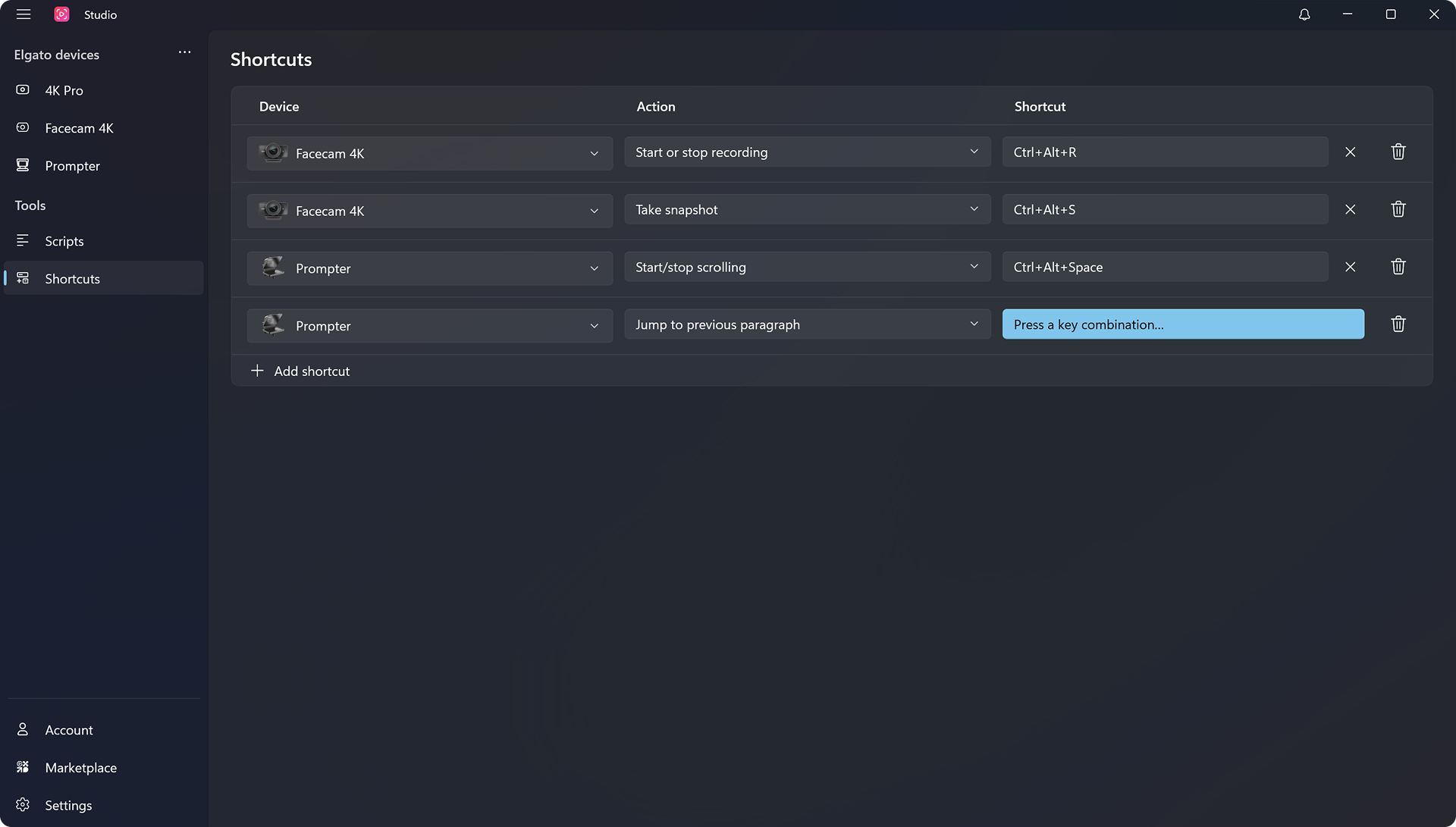
You can now assign keyboard shortcuts to actions across all your devices, and they work even when the app is in the background. Set them up on the new Shortcuts page.
⏳ Beta Expiration
This beta build stops working after November 13, 2026. Install a newer beta version or the full release before then to keep using Elgato Studio.
🛠️ Improvements & bug fixes
- Voice Sync now supports Portuguese (Brazil), Portuguese, Dutch, and Polish.
- Added a notification center to the top bar that shows updates, downloads, and device warnings.
- The new Preview to Prompter button in the control bar shows the camera picture behind the script on Prompter.
- All devices can now be renamed, and device settings show the device model.
- Cam Link devices now have Brightness, Contrast, and Saturation settings.
- The control bar now always shows audio level meters, with the volume slider and mute button built in.
- Prompter margins can now be set up to 40% horizontally and vertically, up from 30%.
- Sections in Prompter settings can now be collapsed, and they stay that way between sessions.
- Fixed an issue where the window position was not restored correctly on monitors with different scaling.
- Fixed an issue where lowering Chat opacity showed a black background instead of the desktop.
- Fixed an issue where the Reset button in Chat feature settings did not turn Show overlay back on.
- Fixed an issue where a floating Virtual Prompter window lost its position and size when switching between Script and Chat mode.
- Fixed an issue where the operator view for a Virtual Prompter cut off the overlay and did not show the script.
- Fixed an issue where scripts were marked as edited as soon as they were opened.
- Fixed an issue where renaming a linked script outside the app broke its entry in the script library.